Describe your idea and Claude writes the script. Read it from a teleprompter right under your MacBook camera. Readymade cuts the pauses, burns in captions and copies a finished video you paste straight into X.
- Free to start
- Continue with Google
- No credit card
Not because they have nothing to say.pause
Because they are trying to remember it.
have nothing to
Same take. Ready to post.
One recording, straight from the MacBook camera. Readymade found the pauses, cut them with soft fades, cropped the frame for the feed and timed a caption to every word.
Raw take0:47
- 4 long pauses
- 2 restarts
- No captions
- 16:9 webcam frame
Most people freeze
Ready for X0:35
- Pauses cut
- Restarts removed
- Karaoke captions
- 4:5 for the feed
From one sentence to a posted video.
Four steps in one browser tab. Nothing to import, nothing to export by hand.
01DescribeAbout 20 seconds
Say what the video is about. Claude writes it.
Type one sentence, or paste a YouTube, TikTok or X video you liked. You get a script written for speaking, with pauses, emphasis and delivery cues where you need them.
Prefer to riff? Ask for topic cards instead of a full script.
Script assistant
A 45 second video on why founders should post on camera
Confident ~45s youtu.be/…01Most people freeze the second the camera turns on.
02Not because they have nothing to say.pause
03Because they are trying to remember it.
04So stop remembering. Read it, right under the lens.slow down
05Then paste the finished video straight into X.smile
02RecordOne take
Read it right under the lens.
The teleprompter sits over your camera preview, so your eyes stay on the lens. It follows your pace, holds on every pause and waits when you stop.
Read line by line, as a scrolling script, or from topic cards.
Readymade Studio
00:15So stop remembering. Read it, right under the lens.
Then paste the finished video straight into X.
03PolishAutomatic
The dead air is gone before you look.
Every silence and restart is cut the moment you stop recording, with soft audio fades so nothing sounds chopped. Captions land on every word.
A typical 60 second take loses around 12 seconds of pauses.
Take 1
Silence and restarts
00:35
16 gaps found−11s with soft fadesNo dead air.
04PostOne click
Copy the video. Paste it into X.
The finished MP4 lands on your clipboard. Press ⌘V in the X composer and it attaches like any video. Your post text is written for you too.
Also works for LinkedIn, Threads and anywhere you can paste a video.
Export
CopiedWhy founders should post on camera
4:5 Karaoke 0:35 12.4 MB
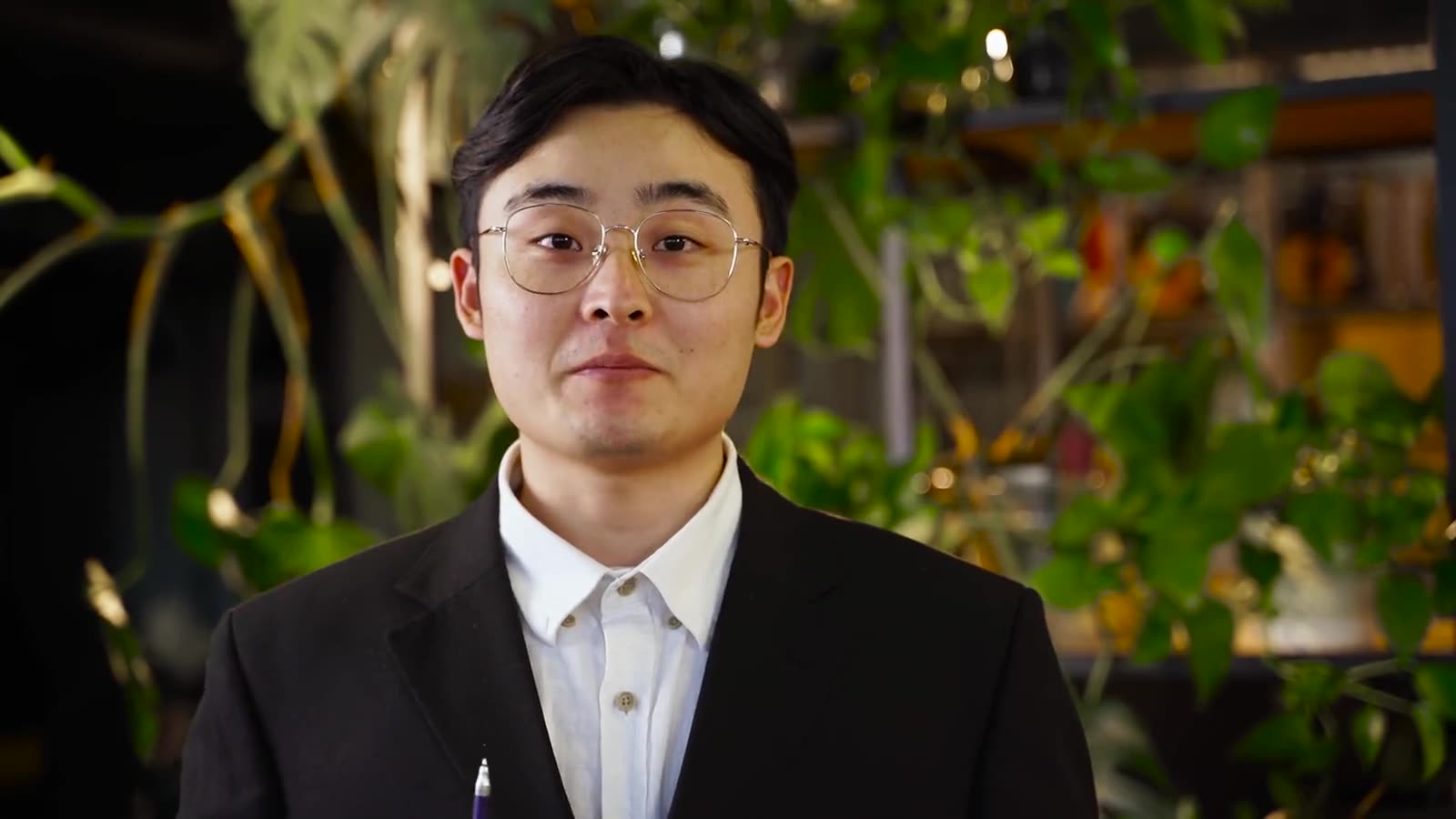
Most people freeze the second the camera turns on. Here is the fix.
0:35Here is the fix.
Video attached⌘ V
Script assistant
A 45 second video on why founders should post on camera
Most people freeze the second the camera turns on.
Not because they have nothing to say.pause
Because they are trying to remember it.
So stop remembering. Read it, right under the lens.slow down
Then paste the finished video straight into X.smile
Seven chores become four steps.
The part that used to eat an evening now fits between two meetings.
How it usually goes
- 01Write talking points in Notes
- 02Prop up the phone, glance down, lose your place
- 03Do seven takes
- 04Import everything into an editor
- 05Cut every pause by hand
- 06Type or fix the captions
- 07Export, AirDrop, upload
With Readymade
- 01Describe the video
- 02Read it to the lens and record
- 03Copy the finished video
- 04Paste into X
Change your mind after you record.
Captions are timed to every word you say. Switch the style or the frame and the preview updates instantly. There is no re-render to wait for.
Caption style
Frame
I recorded this in
Talk in the language your audience speaks.
- Scripts, teleprompter and captions in 64 languages
- Right-to-left scripts like Arabic and Hebrew read correctly
- Correct shaping for Hindi, Bengali, Tamil and Thai captions
Say it once, the way you mean it.
EnglishStart free. Upgrade when you post weekly.
Every account starts with 7 days of Pro. No card needed, cancel anytime.
Free
Try the whole flow on a few videos.
$0forever
Start free- 3 videos a month, up to 60 seconds
- AI scripts in every language
- Teleprompter and pause trimming
- Clean captions, 4:5 frame
- Small Readymade watermark
Pro
RecommendedFor people who post every week.
$12a month
Billed yearly, $144
- 40 videos a month, up to 2:20
- No watermark
- All caption styles and frames
- Scripts from YouTube, TikTok and X links
- Unlimited scripts and topic cards
Studio
For daily posting and longer videos.
$24a month
Billed yearly, $288
- Unlimited videos, up to 10 minutes
- Your own caption fonts and colors
- Scripts that learn your voice
- Priority rendering
- Early access to new features
What people ask before they hit record.
Will I look like I am reading?
The teleprompter sits right under the camera, so your eyes stay within a few degrees of the lens. It shows two lines at a time, follows your pace and waits on every pause, which keeps your delivery natural.
Do my recordings get uploaded anywhere?
No. Recording, trimming and caption rendering all happen on your Mac, and finished files are saved to your Movies folder. Only your script prompt and the audio needed for captions are sent to the AI models.
Is my data used to train AI models?
No. Scripts are written with Claude through Anthropic’s API, which does not train on your prompts or scripts.
Which Mac, camera and browser do I need?
Any Mac with Chrome or Safari. The built-in MacBook camera and microphone work out of the box, and so does any external webcam or mic macOS can see. No lights or extra gear required.
Will the video play properly on X?
Exports are H.264 MP4s cropped to 9:16, 4:5, 1:1 or 16:9, which X accepts as a native video when you paste it into the composer. Free X accounts can post videos up to 2 minutes 20 seconds.
Can I record without a script?
Yes. Start a freestyle take and just talk. Pauses are still cut and captions are still timed to every word.
How is this different from CapCut or Descript?
Those are editors: you record somewhere else, then cut and caption by hand. Readymade covers the part before and after the camera, writing what to say, holding it under the lens and handing you a finished video. There is no timeline to learn.
Why is sign in Google only?
It is one click and there is no password to manage. Email sign in is on the way.
Your next video starts with one sentence.
Free to start. Continue with Google. No credit card.